


Launch Recite Me assistive technology
A logo on a mint green background featuring the word “pennies” in black lowercase type. A thick white open circle curves around the text.

New app Pennies is an absolute belter...and useful too!

—
Date
16 October 2014

Full disclosure before I say anything about this new app: I’m terrible – TERRIBLE – at managing my personal finances. Wages come in at the start of the month, I pay my rent, bills and council tax and then I try not to look at my bank account until the next pay day. Sometimes there’s a couple of quid left, mostly I’ve plundered the depths of my overdraft. So I had a look at Pennies with a great deal of skepticism; it’s going to take more than an app to sort my money out.

A fortnight in and I’m hooked. I update it with my spending daily, have stuck to the budgets I’ve set and it looks like I might have some left over cash at the end of the month. Why do you care? Because Pennies is beautifully designed, a total no-brainer to use (I wouldn’t touch the thing otherwise) and actually manages what it sets out to do – something that very fewer apps than you’d imagine seem to achieve successfully. And as the product of a pair of Brighton coders it’s a seriously impressive bit of kit. Adulating rant over.
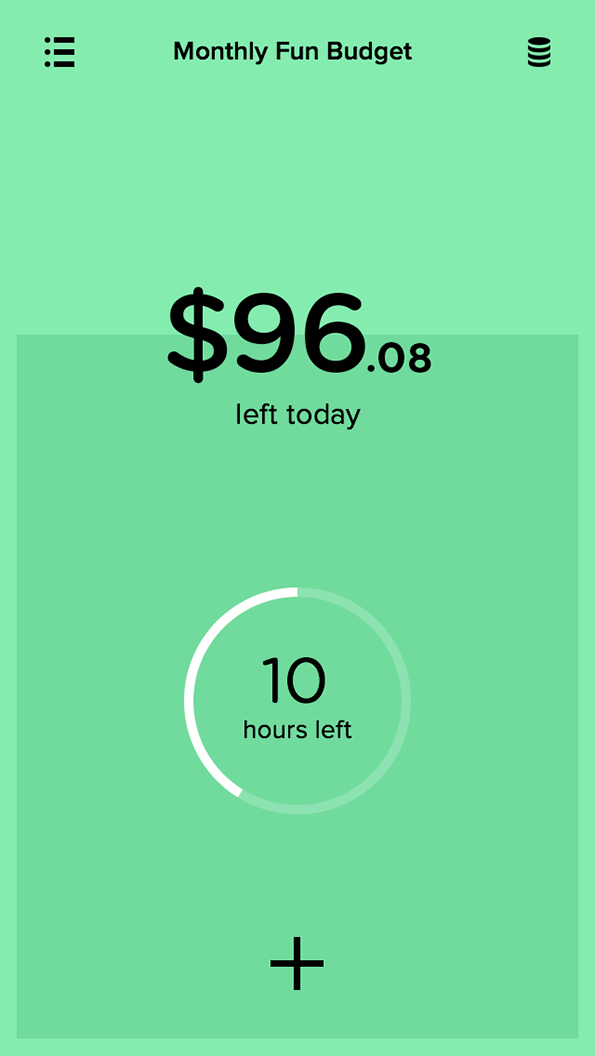
A screenshot of a budget app on a mint green background. The screen reads “Monthly Fun Budget” at the top, with “$96.08 left today” and a circular timer showing “10 hours left”.
Above

Pennies

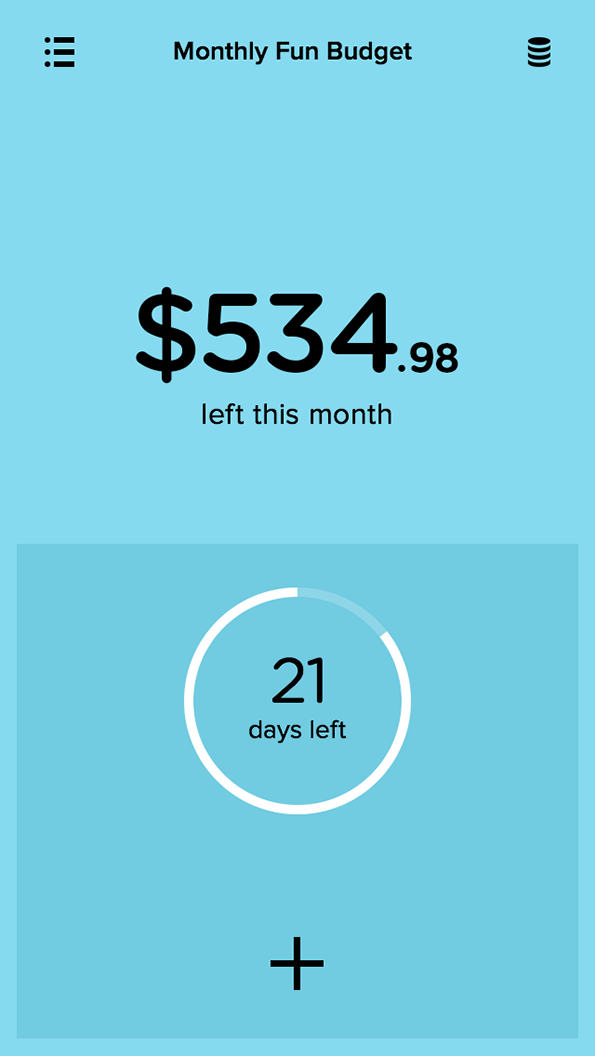
A screenshot of a budget app interface on a light blue background. The screen reads “Monthly Fun Budget” at the top, with a balance of “$534.98 left this month” and a circular timer showing “21 days left”.
Above

Pennies

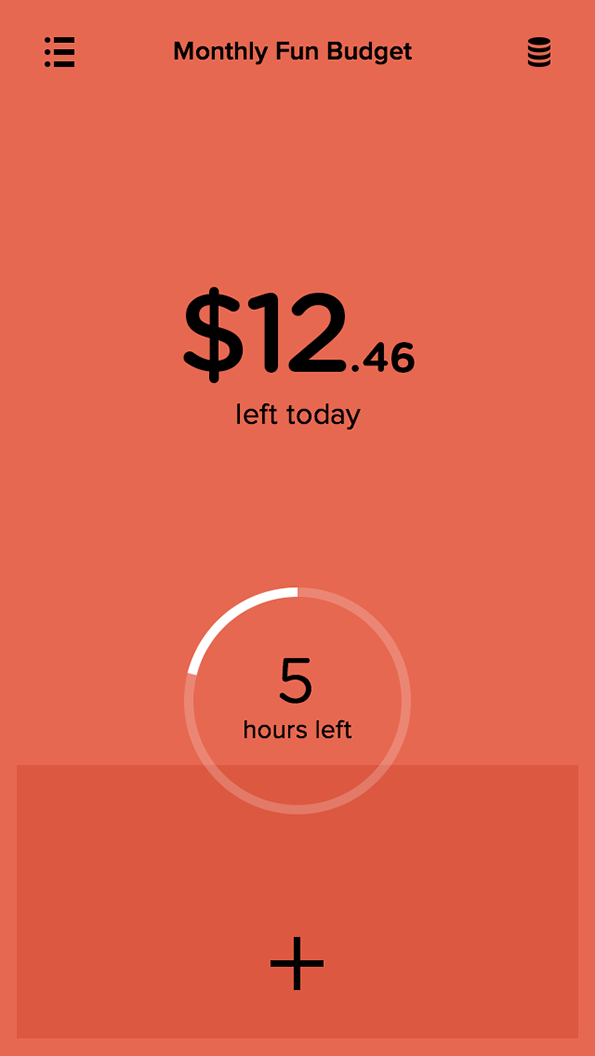
A mobile app screen with a coral background titled “Monthly Fun Budget”. The centre displays “$12.46 left today” above a circular timer showing “5 hours left”.
Above

Pennies

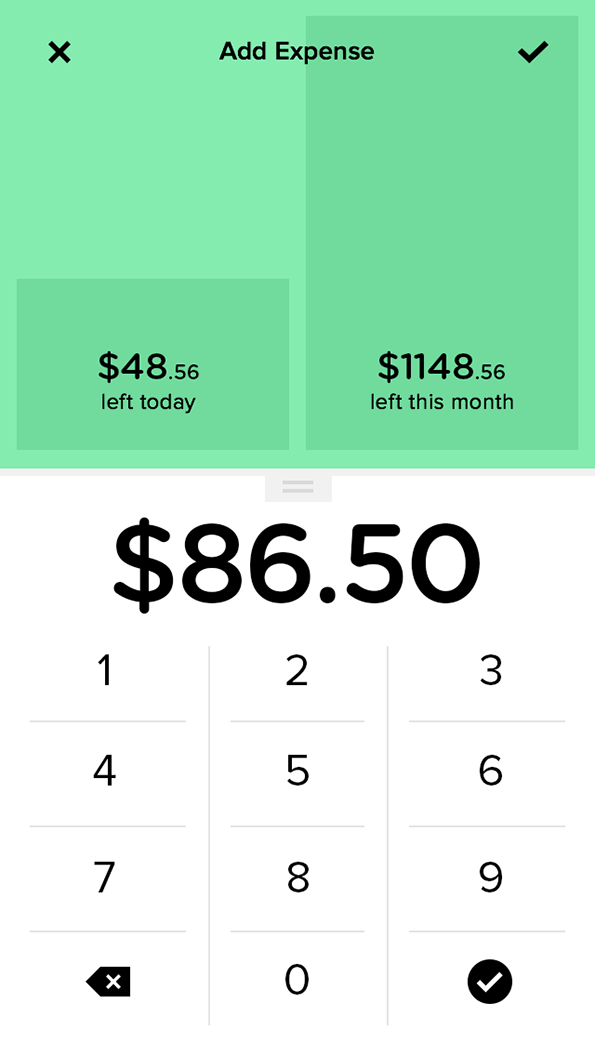
A screenshot of a budgeting app interface titled “Add Expense”. A numeric keypad is used to enter the amount “$86.50”, while green panels above show the remaining balances “$48.56 left today” and “$1148.56 left this month”.
Above

Pennies

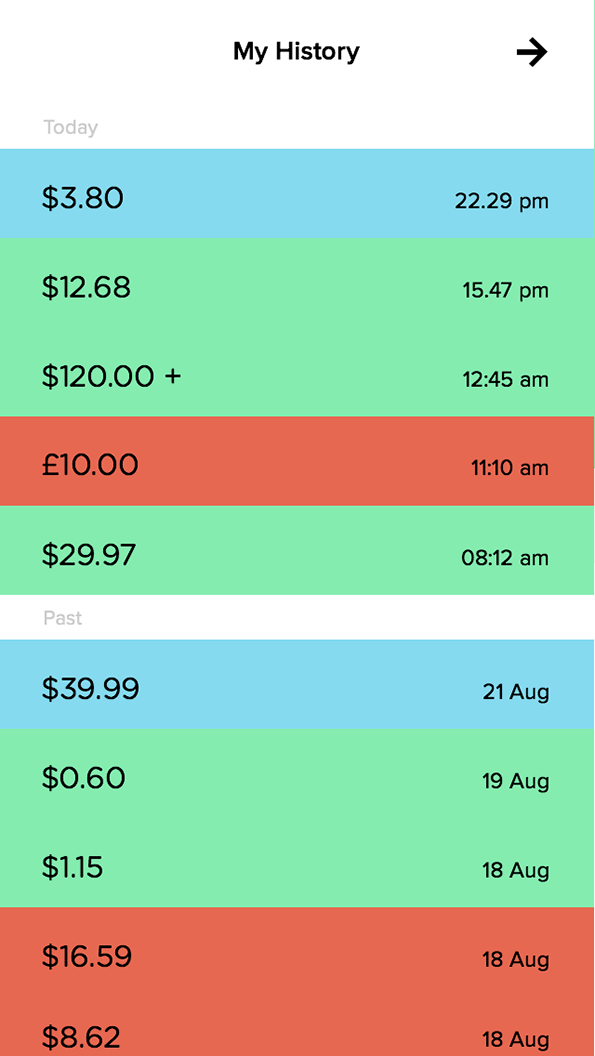
A screenshot of a mobile app screen titled “My History”. A list of financial transactions is displayed in alternating blocks of blue, green and red, showing various amounts in dollars and pounds.
Above

Pennies

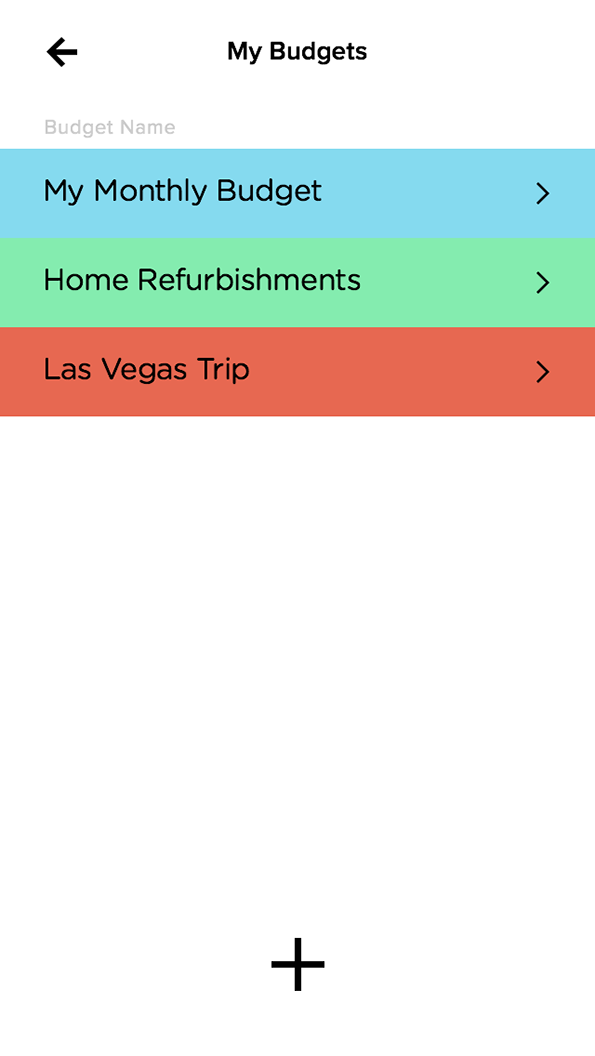
A screenshot of a mobile app interface titled “My Budgets”. Three colourful horizontal bars list budgets for “My Monthly Budget”, “Home Refurbishments” and “Las Vegas Trip”.
Above

Pennies

Share Article

Further Info

About the Author

James Cartwright

—

James started out as an intern in 2011 and came back in summer of 2012 to work online and latterly as Print Editor, before leaving in May 2015.


It's Nice That Newsletters

Fancy a bit of It's Nice That in your inbox? Sign up to our newsletters and we'll keep you in the loop with everything good going on in the creative world.