


How Procreate Dreams 2 is making animated storytelling more expressive than ever
Building on its award-winning debut, Procreate Dreams 2 introduces highly requested tools like selections, transform, and expanded frame-by-frame animation.
Share
Procreate Dreams 2 is the latest update to the award-winning animation app for iPad, empowering creatives to bring their ideas to life through the power of animation. Whether you’re a seasoned pro, self-taught, or just a curious cat, Procreate Dreams 2 is made with everyone in mind. The app offers ways to create beautiful hand-drawn animation, enhanced by photos, videos, and sound; finding new ways to play has never been easier.
Procreate Dreams 2 includes widely requested tools put forward by the Procreate community, such as Selections and Transform. These improvements allow animators to select, cut, warp, and transform drawings with simplicity and accuracy. These functions are fundamental to the drawing experience and have been further built upon whilst maintaining the pixel precision Procreate is known for.
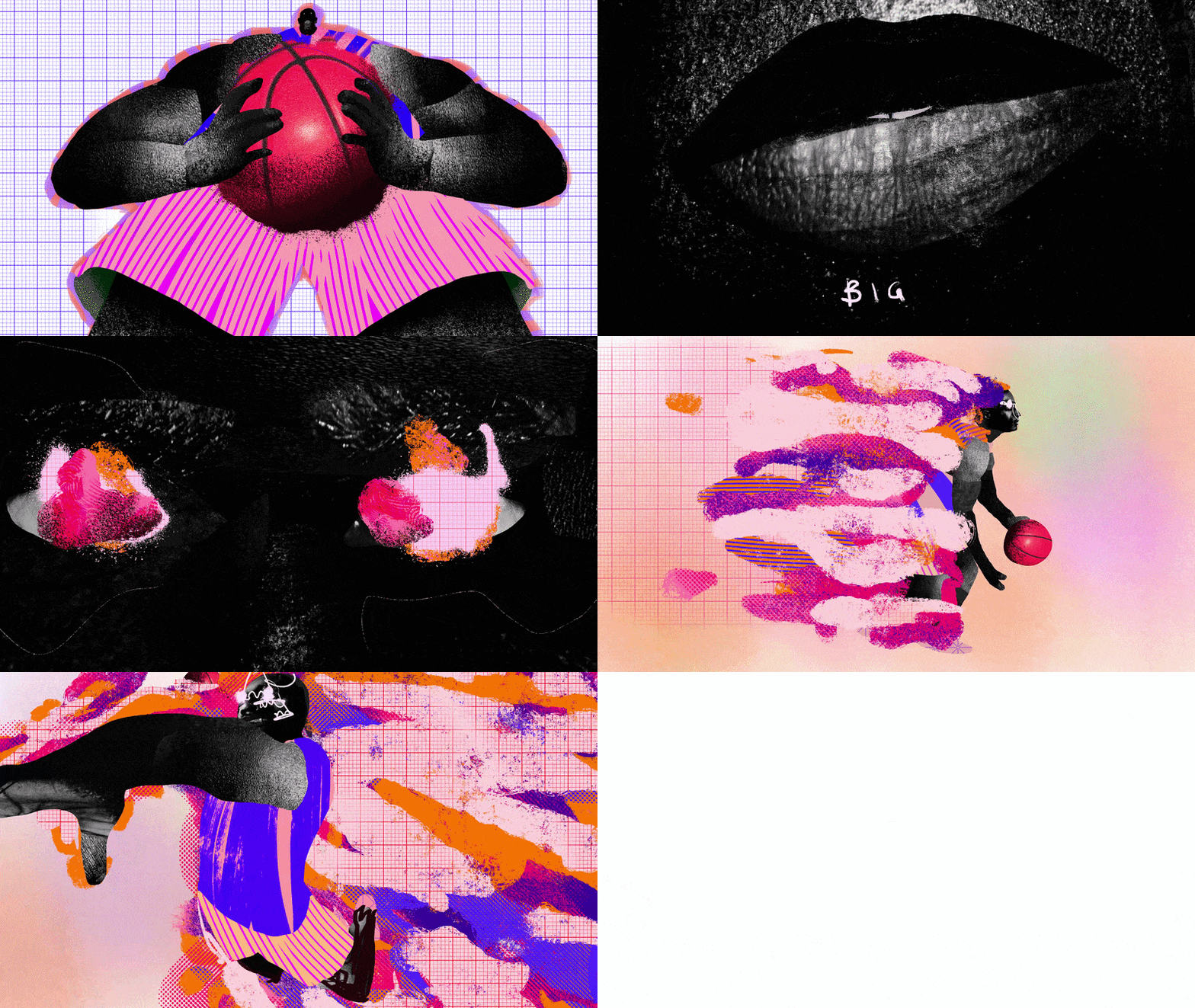
Animation by Maxime Manga (Copyright © Savage Interactive Pty Ltd 2025)
Flipbook, Procreate Dreams’ feature for frame-by-frame animations, is significantly transformed for Procreate Dreams 2. It now supports animators with multiple tracks. Each layered element is independent, all housed within one object on your timeline. Multiple elements can be combined into a Flipbook by using the multi-select function. This allows for users to shift, organise, and retime frames.
Renowned illustrator and designer Kyle T. Webster has developed a new animation brush library featuring 180 brushes, adding to the arsenal of instruments animators can wield in their work. Procreate Dreams 2 can mark and remember the size and opacity for your go-to brushes, spanning pencils, inks, chalks, washes, and oil brushes. Additional updates include customisable keyboard shortcuts for quick navigation, frame duration handles (adjustable sliders to stretch the frame’s length), pixel precision at any zoom level, and a powerful new export system pushing the beloved gif into the future.
The result presents a user interface without clutter, utilising intuitive ranges of motion to keep you locked into focus for as long as you want. Simply drag to shift timescale, change duration, and resize your timeline/stage ratio. Merge your drawing layers in no time by pinching them together.
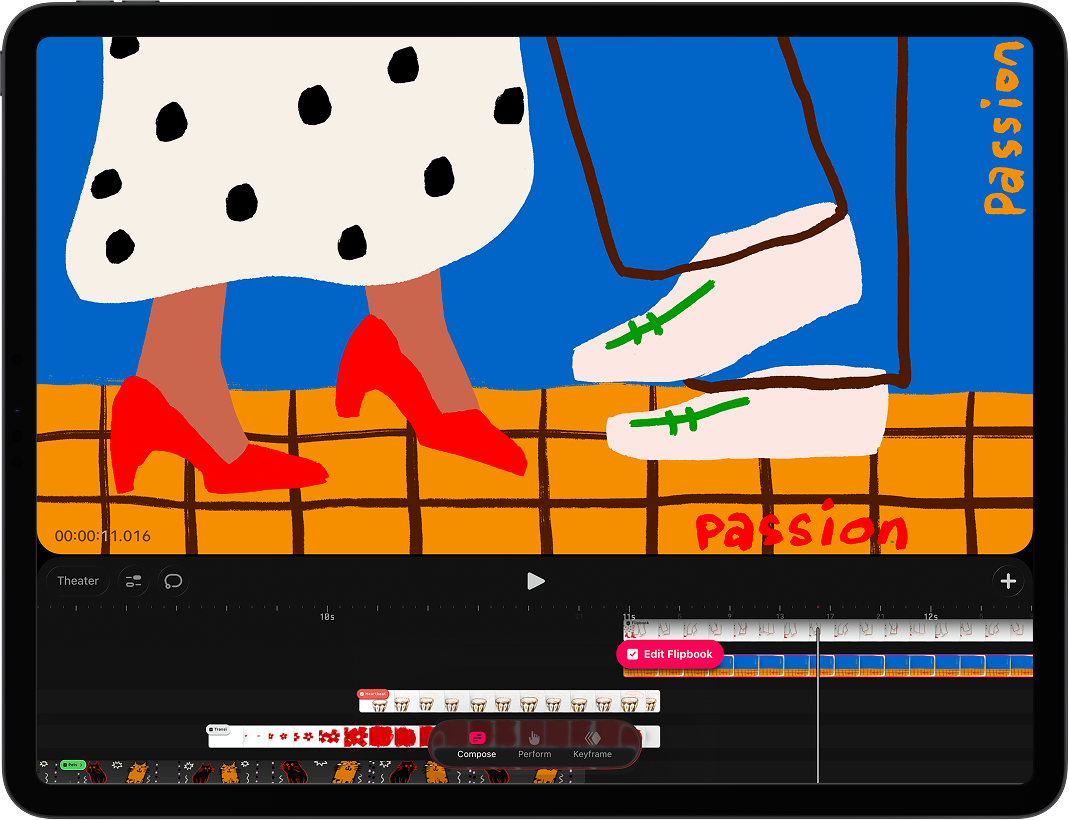
Procreate Dreams 2 (Copyright © Savage Interactive Pty Ltd 2025)
The Timeline is underpinned by three modes; Compose, Keyframes, and Perform, all working to streamline workflow. Compose is Procreate Dreams’ main mode. It covers adjustment across the timeline in the adding and modification of elements on the timeline and Stage area. Keyframe mode adds motion and filters in a more traditional way – animators can keep precise track of object changes at their target times by inputting specific keyframes. Lastly, Perform mode facilitates organic movement through touch. Its intuitive functionality provides users with the tool to perform natural-feeling colour changes and blurs, across varying values, all with a simple touch.
Procreate Dreams 2 is the animator’s playground, purpose built for seamless ways of working. By keeping up with industry shifts and community needs, Procreate Dreams 2 is fit for those who want to push boundaries and elevate their techniques. If you’re coming to animation with a hunger to learn something new, this animation app is an accessible platform to express your artistic side.
Procreate Dreams 2 is available exclusively on the App Store for iPad as a one-time purchase of £12.99, without subscription. The update is free for all existing Procreate Dreams users.
Discover the creative possibilities of Procreate Dreams 2
Learn more about the major new features available in the powerful animation app
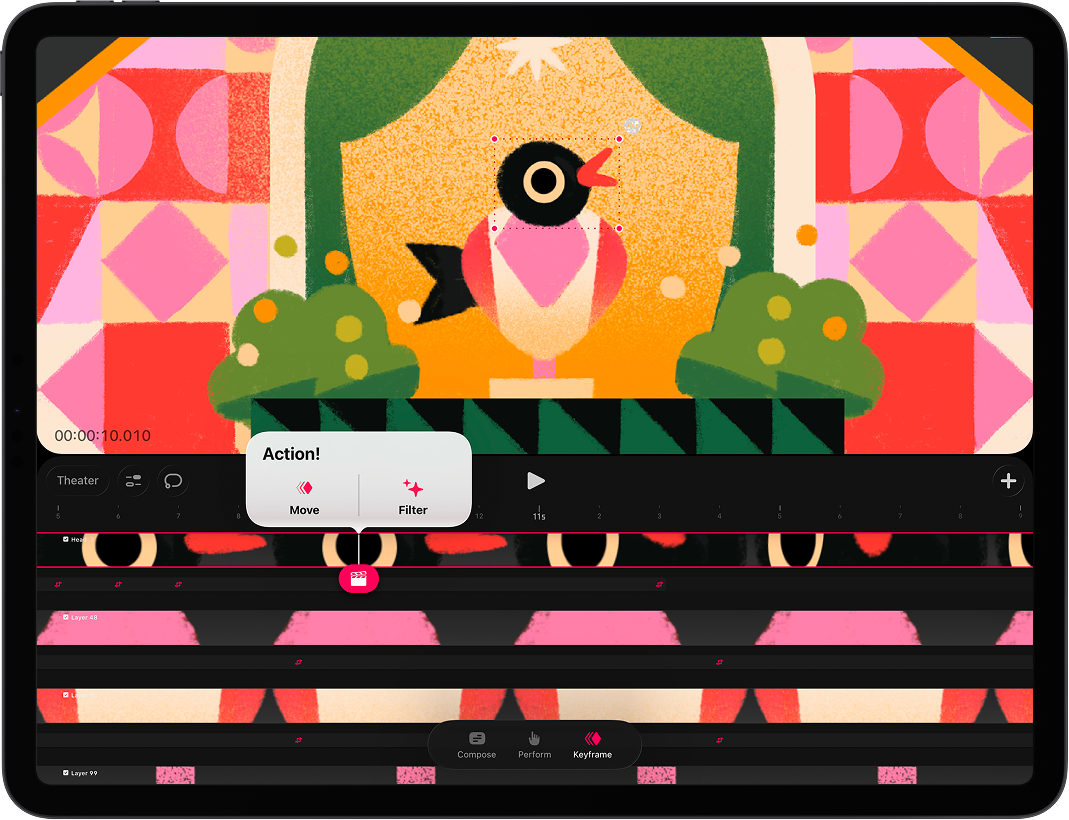
Procreate Dreams 2 (Copyright © Savage Interactive Pty Ltd 2025)
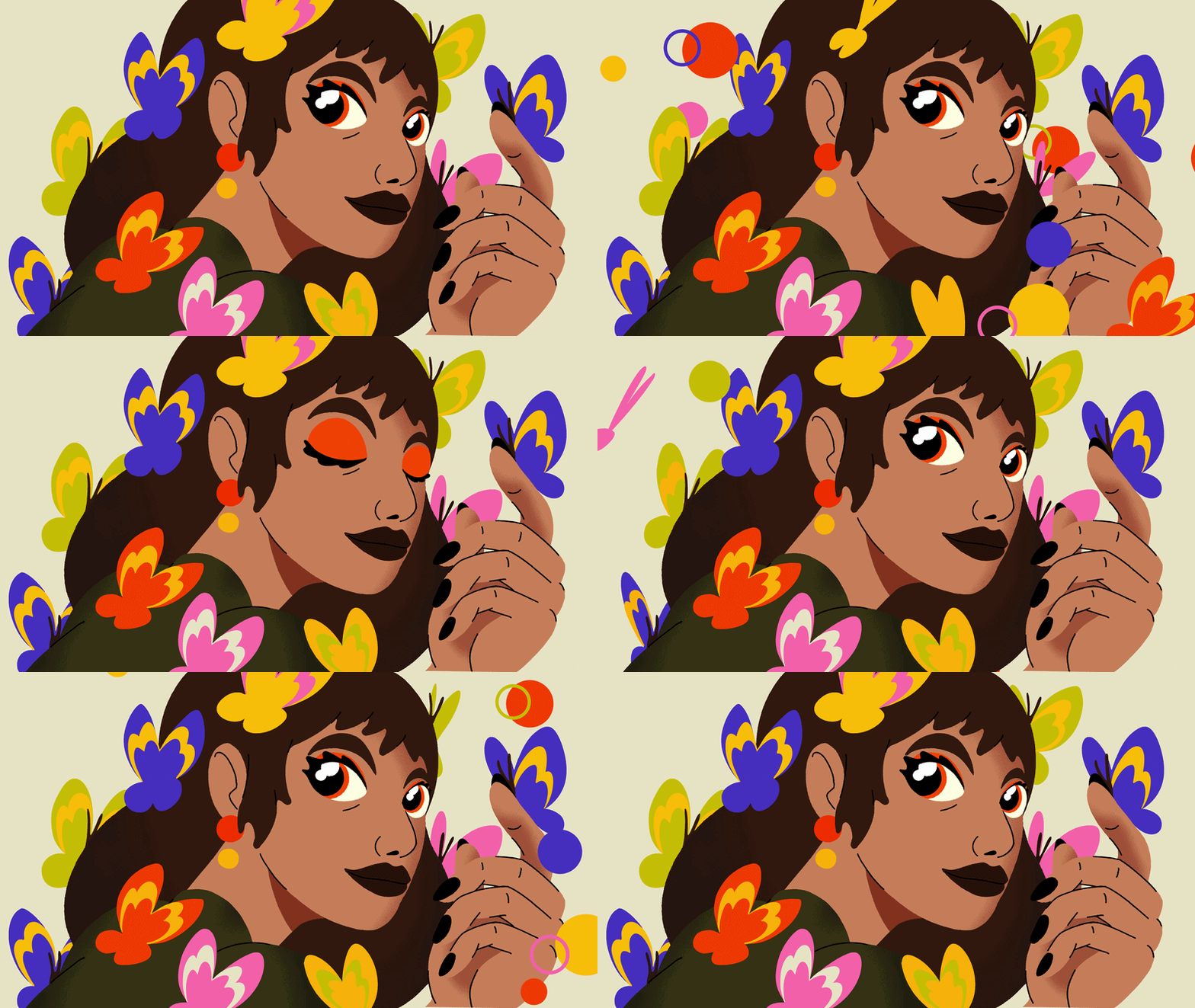
Animation by Lukas Wakamatsu (Copyright © Savage Interactive Pty Ltd 2025)
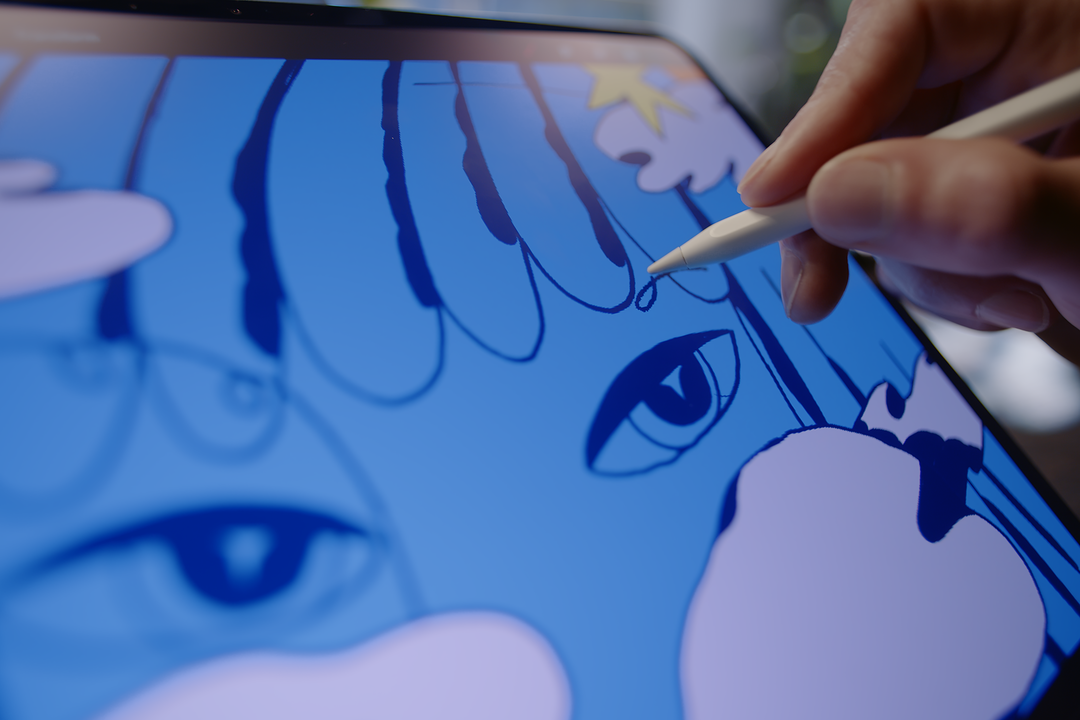
Procreate Dreams 2 (Copyright © Savage Interactive Pty Ltd 2025)
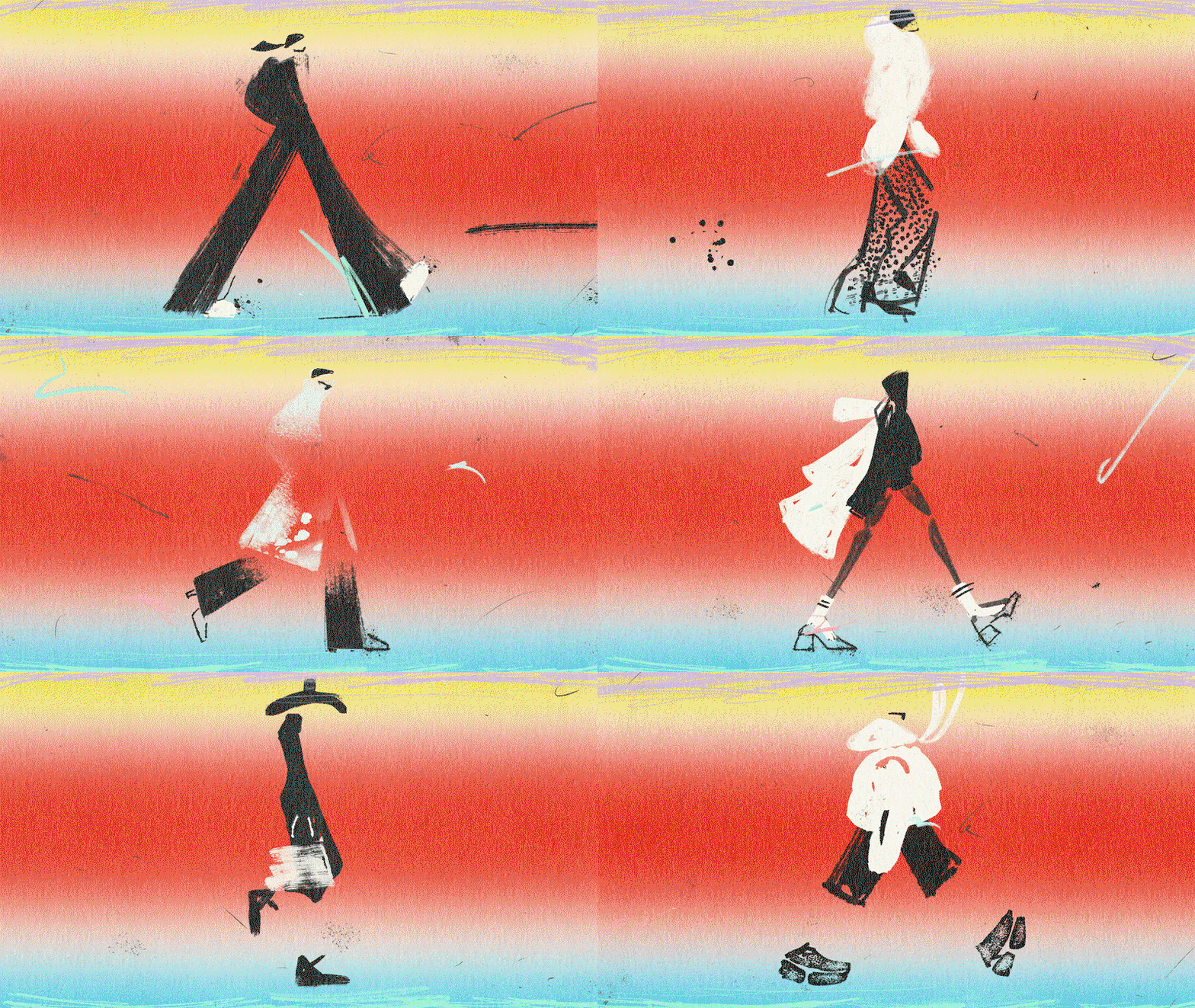
Animation by Joana Sus (Copyright © Savage Interactive Pty Ltd 2025)
Download, experiment and play
Elevate your creative storytelling and download Procreate Dreams 2 directly from the App Store.
Sponsored by
Procreate Dreams
Procreate Dreams is an award-winning animation app, packed with powerful, intuitive tools for creators at any level. Create rich 2D animations, expressive videos, and breathtaking stories from scratch or elevate your workflow with professional tools that bring your ideas to life.
Hero Header
Animation by David Milan (Copyright © Savage Interactive Pty Ltd 2025)
Share Article
Further Info
About the Author
—
This article was sponsored by a brand, so is marked up by us as Sponsored Content. To understand more about how we work with brands and sponsorships, please head over to our Work With Us page.